How it works
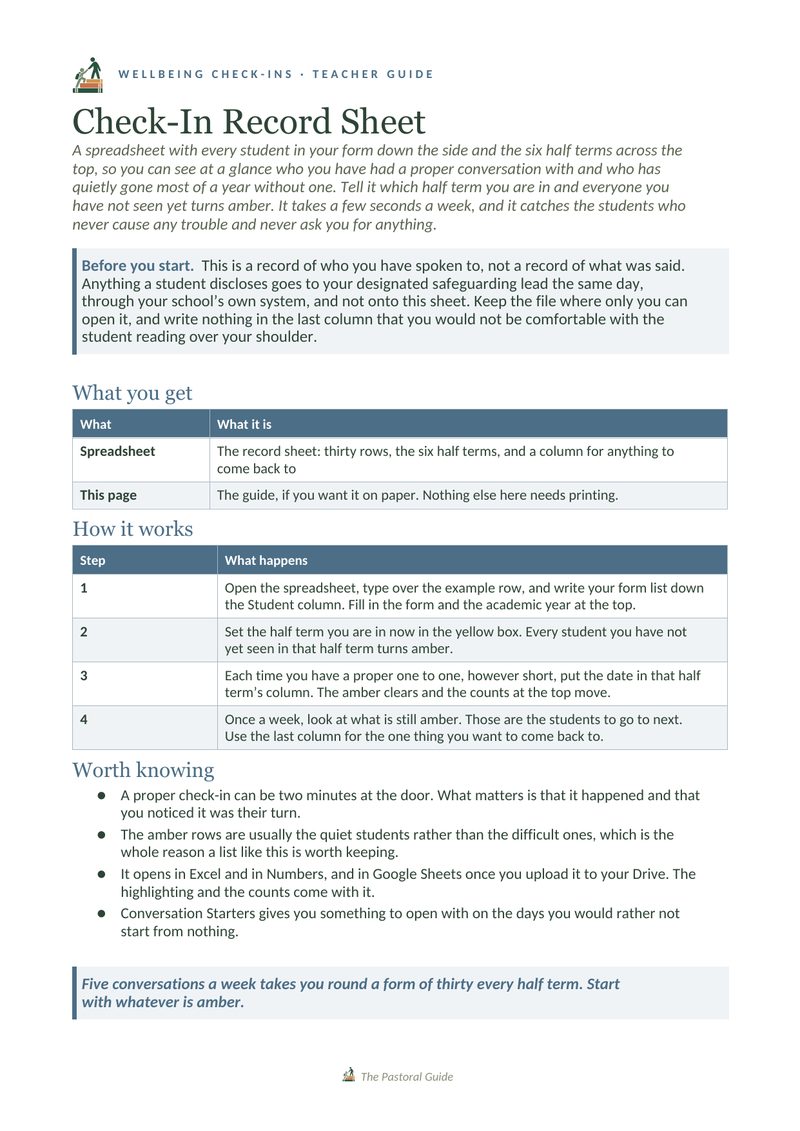
This is a record of who you have spoken to, not a record of what was said. Anything a student discloses goes to your designated safeguarding lead the same day, through your school’s own system, and not onto this sheet.
You only need to do this once, at the start of the year, when you also fill in the form and the academic year at the top.
Every student you have not yet had a one to one with in that half term turns amber, and the counts at the top tell you how many are left. If you are not sure how to start those conversations, The Quiet Word is a short guide to the first five minutes.
Do this however short the conversation was, because two minutes at the door still counts. Use the last column to note the one thing you want to come back to.
A look inside
Get the resource
The amber rows are usually the quiet students, which is why a list like this is worth keeping. It opens in Excel and in Numbers, and in Google Sheets once you upload it to your Drive.
The record sheet
One tab, thirty rows and the six half terms, with the highlighting that shows who you have not seen yet.
Download Printable PDFTeacher resource pack
A one-page guide: how to set it up, how to use it, and where a disclosure goes.
DownloadNew resources are added as they are made. Leave your email and you will get one email each time something new goes up, and nothing else.
Thank you. A confirmation email is on its way to you, and once you click the link in it, you will be on the list.
Sorry, that did not go through. Please try again, or email thepastoralguide@gmail.com and I will add you by hand.
There are no newsletters, and your address is never shared. How your details are handled.
This is free to download, the same as everything else here. If it saved you some prep time, you’re welcome to leave something toward the site’s running costs.
Support the site